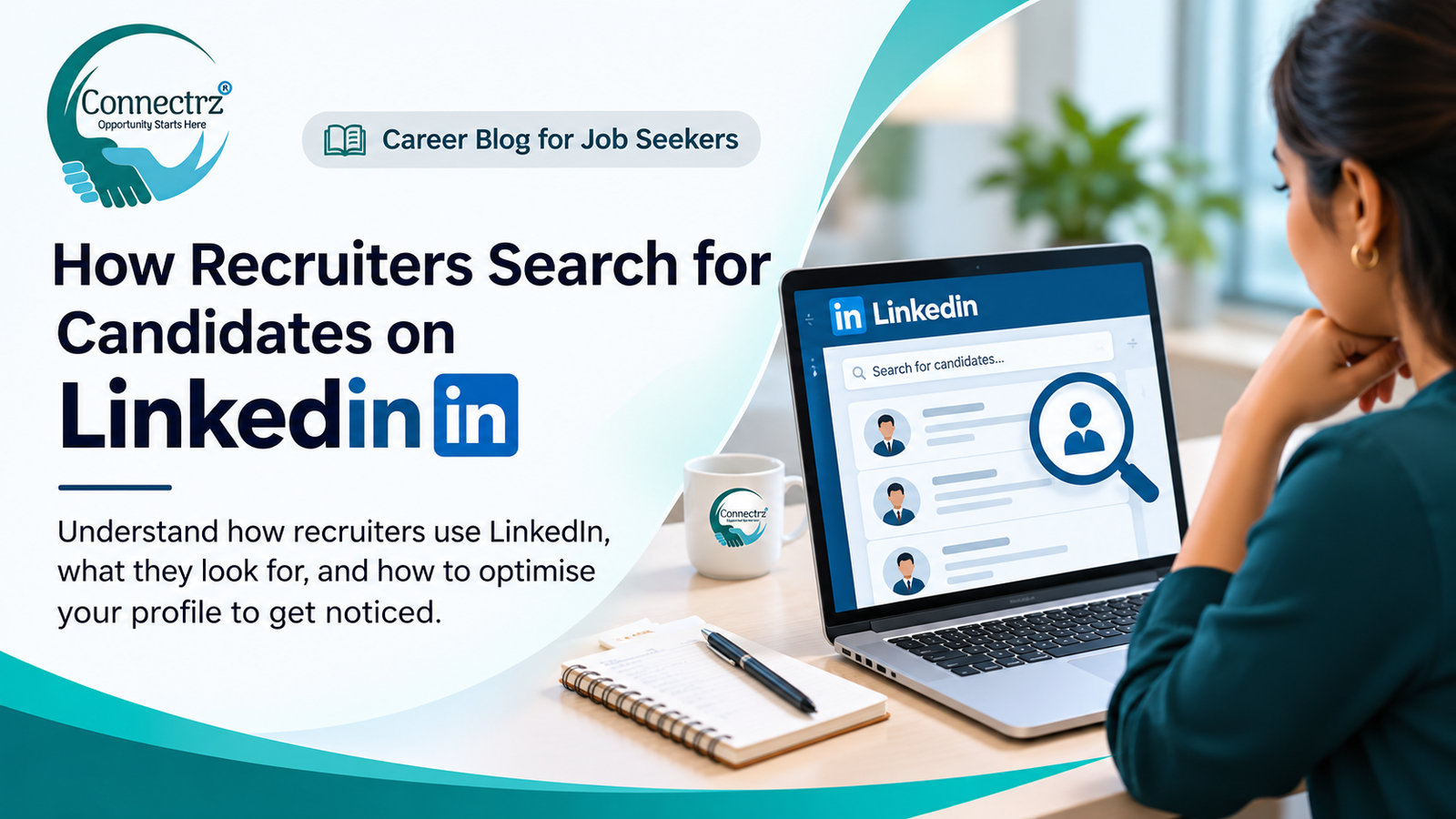
How Recruiters Search for Candidates on LinkedIn:
Have you ever wondered how recruiters find candidates on LinkedIn?
You may have the right experience, technical skills and qualifications, but are recruiters able to find your profile when they search for someone with your expertise?
LinkedIn has become an important professional networking platform for both job seekers and recruiters. Beyond connecting professionals, recruiters use it to identify potential candidates, explore professional backgrounds, understand skill sets and connect with people who match their hiring requirements.
However, simply creating a LinkedIn account is not enough. Your profile needs to communicate your professional experience clearly and include the information recruiters are likely to look for.
In this blog, let's understand how recruiters search for candidates on LinkedIn and what you can do to improve your profile visibility.
1. Recruiters Search Using Job Titles and Designations
One of the first things recruiters look for is a candidate's current or previous job title.
For example, when recruiting for a Software Developer, a recruiter may search for:
Software Developer
Software Engineer
Full Stack Developer
Java Developer
Backend Developer
Application Developer
Although these titles may have overlapping responsibilities, recruiters often use different search terms depending on the position they are hiring for.
What you should do:
Mention your actual current designation.
Include relevant previous job titles in your experience section.
Use commonly recognised industry terminology.
Make your professional headline descriptive and specific.
For example, instead of using only "IT Professional", consider a more informative headline:
"Senior Java Developer | Spring Boot | Microservices | REST APIs | 8 Years of Experience"
Your headline should accurately represent your expertise and career background.
2. Relevant Skills and Keywords Matter
Recruiters often search for specific technical and functional skills depending on the job requirements.
For example, if an organisation is hiring a Data Engineer, recruiters may search for skills such as:
Python
SQL
PySpark
Databricks
Azure Data Factory
Microsoft Fabric
Snowflake
Similarly, a recruiter hiring a Business Analyst may look for:
Requirement Gathering
Stakeholder Management
Business Process Analysis
SQL
Agile Methodology
Jira
If these skills are part of your actual experience, make sure they are clearly mentioned in your LinkedIn profile.
What you should do:
Add relevant skills to your LinkedIn Skills section.
Include important technologies in your About section.
Mention tools and platforms in your work experience.
Describe projects where you have used those skills.
Avoid adding skills that you have never worked with.
Remember, a long list of keywords does not automatically make your profile stronger. Recruiters need to understand how you have actually used those skills.
3. Your LinkedIn Headline Creates the First Impression
Your headline appears alongside your name in several LinkedIn search and networking contexts.
It is one of the first pieces of professional information people see when they visit your profile.
A generic headline may not communicate your expertise effectively.
Examples:
Instead of: "Looking for Opportunities"
Use: "Data Scientist | Machine Learning | Python | NLP | Computer Vision"
Instead of:"Software Engineer"
Use:"Senior Software Engineer | Java | Spring Boot | Microservices | Cloud Technologies"
Instead of:"HR Professional"
Use:"Talent Acquisition Specialist | IT Recruitment | Technical Hiring | End-to-End Recruitment"
What you should do:
Create a headline that clearly communicates your current professional identity, core skills and area of expertise.
Avoid filling your headline with unrelated keywords or exaggerated designations.
4. Your About Section Helps Recruiters Understand Your Experience
Your About section is an opportunity to introduce yourself professionally.
Many candidates leave this section empty or use generic statements such as: "I am a hardworking and dedicated professional looking for challenging opportunities."
While there is nothing wrong with expressing these qualities, such statements do not tell recruiters much about your actual experience.
Instead, use this section to explain:
Your total professional experience.
Your current area of expertise.
Your key technical or functional skills.
The industries or domains you have worked in.
Your major professional achievements.
The type of opportunities you are interested in.
Example – Software Developer:
"I am a Software Developer with 6 years of experience building and maintaining enterprise applications. My core expertise includes Java, Spring Boot, REST APIs, Microservices and SQL. I have worked on application development, system integration and performance optimisation across different projects."
Keep it genuine, specific and easy to understand.
5. Your Work Experience Should Explain What You Actually Do
Simply mentioning your company name, designation and employment dates may not be enough.
Recruiters want to understand your responsibilities, technical exposure and the nature of your work.
For example:
Basic description: Worked as a Java Developer.
More informative description: Developed enterprise applications using Java and Spring Boot, designed REST APIs, integrated backend services and worked with SQL databases to support business application requirements.
The second description provides a clearer picture of your experience.
What you should do:
Explain your day-to-day responsibilities.
Mention technologies used in each role.
Highlight important projects.
Include achievements wherever possible.
Keep your employment dates and designations accurate.
Your experience section should demonstrate your professional journey, not just list your previous employers.
6. Keep Your LinkedIn Profile Updated
An outdated profile can create confusion when recruiters evaluate your professional background.
For example, if you changed companies six months ago but your LinkedIn profile still shows your previous organisation as your current employer, recruiters may not have an accurate understanding of your experience.
Make sure your profile reflects your latest professional details.
Check the following:
Current company and designation.
Previous employment details.
Total professional experience.
Skills and certifications.
Educational qualifications.
Projects and achievements.
Professional photograph.
Consistency between your resume and LinkedIn profile is also important.
7. Add Relevant Skills to Your LinkedIn Skills Section
LinkedIn allows professionals to showcase their skills through a dedicated Skills section.
This helps communicate your expertise and gives recruiters additional information when reviewing your profile.
For example:
For a Data Engineer: Python, SQL, PySpark, Databricks, Azure Data Factory, ETL, Data Warehousing.
For a DevOps Engineer: AWS, Azure, Docker, Kubernetes, Terraform, Jenkins, CI/CD.
For a Business Analyst: Requirement Analysis, BRD, FRD, SQL, Jira, Agile, Stakeholder Management.
For a Talent Acquisition Professional: Technical Recruitment, IT Hiring, Sourcing, Screening, Stakeholder Management, End-to-End Recruitment.
Choose skills that genuinely reflect your knowledge and practical experience. Where possible, prioritise your strongest and most relevant skills.
8. Make Your Professional Profile Complete
A complete profile gives recruiters more information to understand your background.
Apart from your headline, About section and experience, pay attention to these areas:
Profile photograph: Use a clear and professional photograph.
Cover image: Choose a clean banner that reflects your professional identity.
Education: Mention your qualifications accurately.
Certifications: Add relevant professional certifications.
Projects: Highlight significant work and technical contributions.
Recommendations: Request genuine recommendations from colleagues, managers or clients.
Contact information: Keep appropriate professional contact details updated.
You do not need to add every possible detail. Focus on information that strengthens your professional profile.
9. Build Your Professional Network
LinkedIn is not just a platform for maintaining an online resume. It is also a professional networking platform.
Connecting with people from your industry can help you discover opportunities, exchange knowledge and stay informed about developments in your field.
What you can do:
Connect with professionals in your industry.
Follow companies you are interested in.
Engage with relevant professional discussions.
Share useful industry insights.
Participate in meaningful conversations.
Follow recruiters and hiring organisations.
Focus on building relevant professional connections rather than increasing your connection count without a purpose.
10. Use LinkedIn to Support Your Job Search
Do not wait until you are actively looking for a job to update your LinkedIn profile.
Maintain it regularly, explore relevant opportunities and understand what organisations are hiring for in your area of expertise.
You can:
Search for jobs using relevant designations.
Set job alerts for suitable positions.
Follow company career pages.
Review job descriptions to identify in-demand skills.
Connect professionally with recruiters.
Use the Open to Work feature if appropriate for your circumstances.
If you are currently employed and prefer a discreet job search, review your visibility settings before changing your job-seeking preferences.
LinkedIn Profile Optimisation Checklist
Before expecting recruiters to discover your profile, take a few minutes to review it.
Professional profile photograph added.
Relevant cover image uploaded.
Clear and specific professional headline.
About section updated.
Current designation and company details accurate.
Previous employment information complete.
Relevant technical and functional skills added.
Key projects and achievements highlighted.
Education and certifications updated.
Professional connections maintained.
Contact information reviewed.
Resume and LinkedIn profile details consistent.
Frequently Asked Questions
1. How do recruiters find candidates on LinkedIn?
Recruiters may use LinkedIn search tools, keywords, job titles, skills, experience details, location filters and professional networks to discover potential candidates. The search methods and available filters depend on the LinkedIn tools and subscriptions they use.
2. What should I write in my LinkedIn headline?
Your headline should clearly communicate your professional designation, core expertise and relevant skills. For example, "Senior Data Engineer | Python | SQL | Databricks | Azure" is more informative than simply writing "IT Professional".
3. How many skills should I add to my LinkedIn profile?
There is no ideal number that guarantees better visibility. Focus on adding relevant skills that accurately represent your expertise. Prioritise the skills most closely related to your current role and career goals.
4. Does LinkedIn help freshers find jobs?
Yes. Freshers can use LinkedIn to create a professional presence, highlight academic projects, internships, certifications and technical skills, connect with industry professionals and explore entry-level opportunities.
5. Does updating my LinkedIn profile guarantee interview calls?
No. An updated profile can improve how effectively you present your experience and may help recruiters understand your suitability. However, interview opportunities also depend on job requirements, competition, experience, location and employer selection criteria.
6. Should my LinkedIn profile match my resume?
Your LinkedIn profile and resume should contain consistent employment history, designations, qualifications and key skills. Your LinkedIn profile can provide additional detail, but the information should remain accurate and consistent.
Final Thoughts: Make It Easier for the Right Opportunities to Find You
Your LinkedIn profile is more than an online professional identity. It is an opportunity to communicate your experience, skills and career interests to the professional community.
Recruiters are looking for candidates who match specific business and hiring requirements. A clear, updated and relevant profile can help them understand what you bring to the table.
Don't just create a LinkedIn profile and leave it untouched. Keep it updated, highlight your actual expertise, build meaningful connections and stay engaged with your industry.
Looking for your next career opportunity?
Explore relevant job openings on Connectrz and take the next step in your professional journey.
At Connectrz, we believe that the right opportunity begins with understanding the right talent.
Connectrz – Opportunity Starts Here.